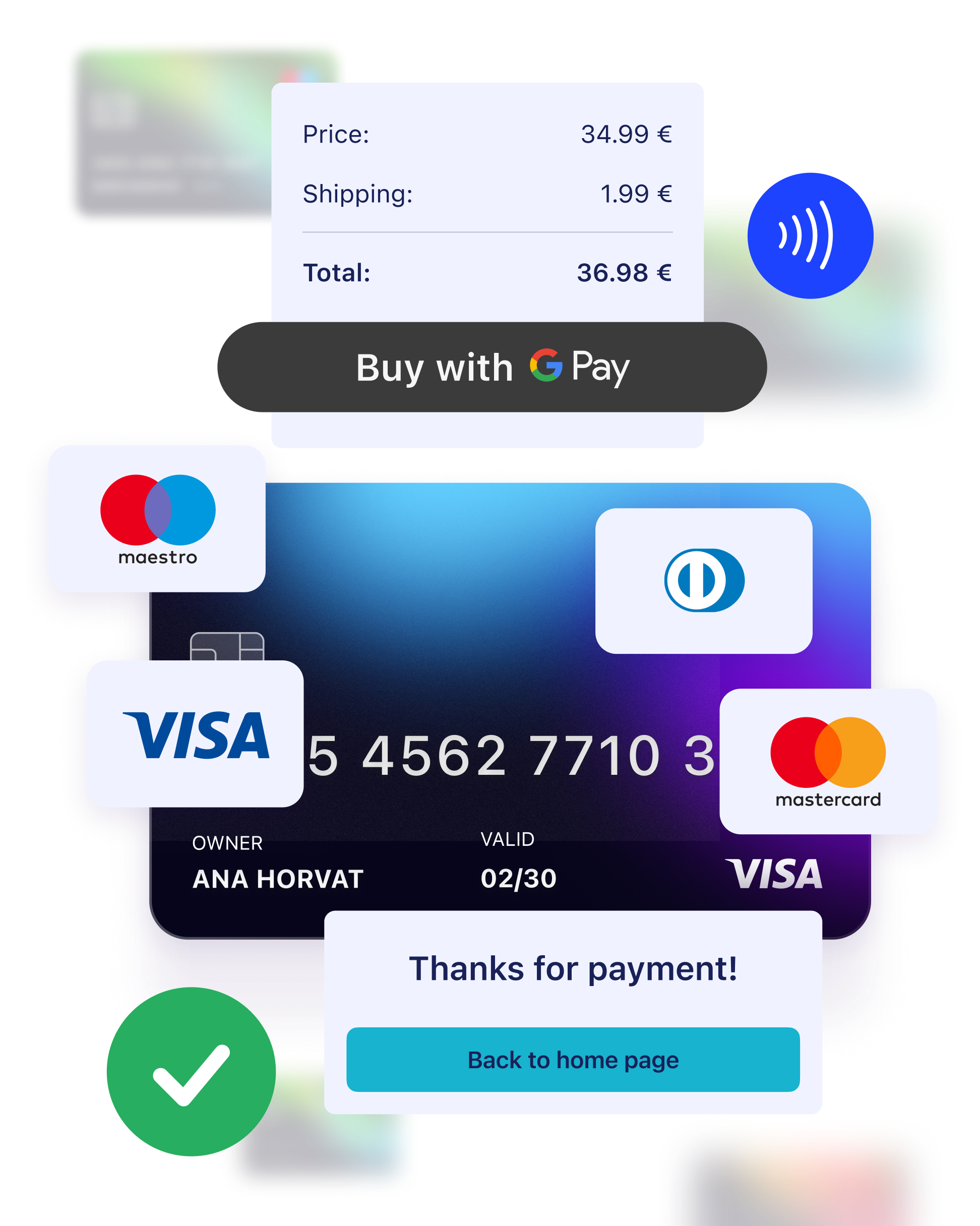

Google Pay™ – effortless mobile card payments at your fingertips.
Offer customers the convenience of paying directly from a digital wallet stored on their Android device, powered by Google.
Advantages of Google Pay
- Fast, Easy, and Secure Payments: Your customers can make quick, seamless, and secure payments using cards stored on their smart devices.
- Trusted and Widely Used: Google Pay is a popular and trusted payment method that customers love, helping to boost conversion rates.
- No Complex Setup Required: For the basic version, no changes are needed on your web shop – simply display the Google Pay logo to let customers know this payment option is available.
- No Sensitive Data Management: Google Pay and CorvusPay handle all sensitive card data, so you don’t have to worry about data security.
- Support for Leading Card Brands: Customers can pay using cards from all major brands, including Visa, Mastercard, Diners, Discover, JCB, and American Express.
How to Activate Google Pay on Your Web Shop

1. Submit a Request
Send an activation request to support@corvuspay.com to get started with Google Pay.

2. Display the Google Pay Logo
Make sure the Google Pay logo is visible on your web shop, alongside card logos, the CorvusPay logo, and security logos, to assure customers that this payment method is available.
The availability of Google Pay as a payment option may depend on your acquiring bank, and for customers, it may vary based on their device type.
How the Google Pay Payment Process Works
01
On the CorvusPay payment form, the customer chooses Google Pay as the payment method.
02
In the Google Pay wallet, the customer selects the card they wish to use for payment.
03
By clicking “Pay,” the customer completes the transaction.
Explore Other Options We Offer

Payment in Mobile Applications

Payment via Link (Pay by Link)

Telesales Payment

API integration
Create a free CorvusPay account and test the platform before you decide to contract the service.